


SANCAD ImageAlignStudio
Prepare perfectly aligned reference images with SANCAD ImageAlignStudio - a standalone Windows app for arranging, cropping and masking images before using them in CAD, Blender and other 3D modelling workflows.
Launch offer:
Download FREE - pay what you want!
Suggested support: £14.99. Free and paid downloads include all the same features.
🛒 Get SANCAD ImageAlignStudio from https://sancadservices.gumroad.com/l/SANCADImageAlignStudio
With ImageAlignStudio you can:
-
Open images or paste them directly from the clipboard
-
Move, scale and rotate images with precise controls
-
Align matching features using horizontal and vertical guides
-
Crop and mask without changing your original images
-
Restore hidden areas and preview masks with a red overlay
-
Organise layers with easy display-order controls
-
Add editable text annotations
-
Export transparent PNGs as individual layers or a combined image
-
Save editable IAS projects and return to them later
Portable Windows x64 app - no separate .NET installation or licence key required. Personal and commercial use included.


SANCAD VectorTrace
Turn images into editable CAD geometry with SANCAD VectorTrace - a standalone Windows app for tracing raster images and exporting vectors.
Watch this demonstration video https://youtu.be/LcFBFbBjYhs, I show the workflow from image preparation and tracing through to DXF export and opening the result in AutoCAD.
Launch offer:
£0 Until Further Notice ... Grab it quick ... it is the most effective Vector Tracer I have used!
🛒 Get SANCAD VectorTrace: https://sancadservices.gumroad.com/l/SANCADVectorTrace
With VectorTrace you can:
• Open images or paste them directly from the clipboard
• Adjust image settings to improve the trace
• Recognise lines, circles and arcs
• Calibrate scale using a known distance
• Manually refine vector points and curves
• Export DXF, SVG, PDF and EPS
• Save your work and return to it later


Origin to Base Centre (Blender Addon)
Origin to Base Centre — A Simple Helper for 3D Print Alignment
Give your models a consistent base origin in one click.
Origin to Base Centre is a small Blender add-on made to simplify a repetitive part of preparing models for 3D printing. It places each selected mesh object's origin at the centre of its overall X/Y extents and at its lowest world-space Z height.
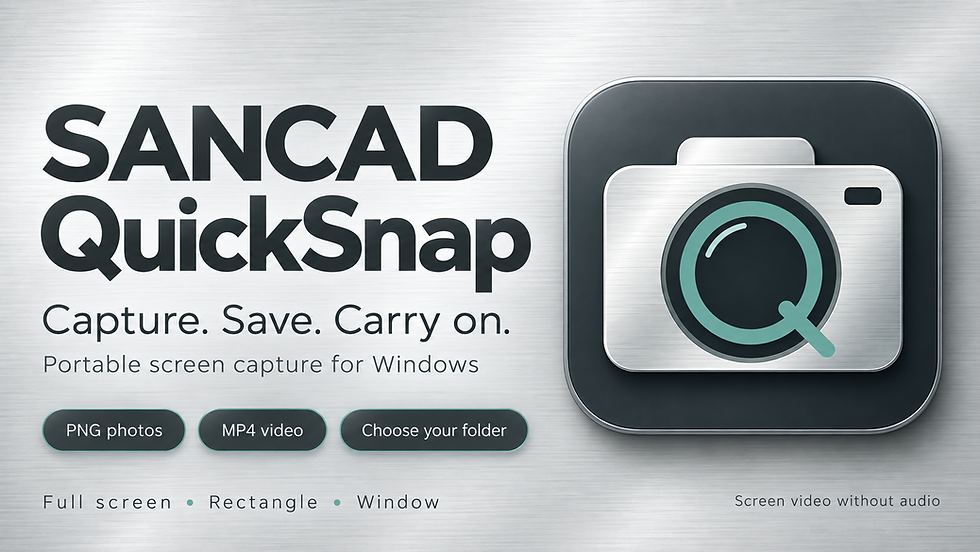


SANCAD QuickSnap
Easily Capture PNG screenshots and MP4 screen videos with large brushed-aluminium controls.
**SANCAD QuickSnap is a portable screen-capture app for Windows that puts your capture controls and save folder in one place.**
Launch QuickSnap and your screen dims, revealing large, easy-to-read brushed-aluminium buttons. Choose a photo or video, select what you want to capture, and save it straight to your chosen folder.
It is a practical tool for grabbing a drawing detail, showing a software issue, saving an on-screen reference, or recording a short silent walkthrough.
🛒 Get SANCAD QuickSnap: https://sancadservices.gumroad.com/l/SANCADQuickSnap
- **Full screen:** capture the monitor where QuickSnap's controls appear.
- **Rectangle:** drag around the part of your screen you want to keep.
- **Window:** point at a visible window and click its highlighted area.
- **Photos:** save original-resolution PNG screenshots.
- **Videos:** record MP4 screen video at a target of 30 frames per second, without audio.
BE NOTIFIED WHEN NEW SOFTWARE IS RELEASED
Sign up to be the first to access our tools.